Please explore this video for simple instructions to setup your MyWonder Pod.
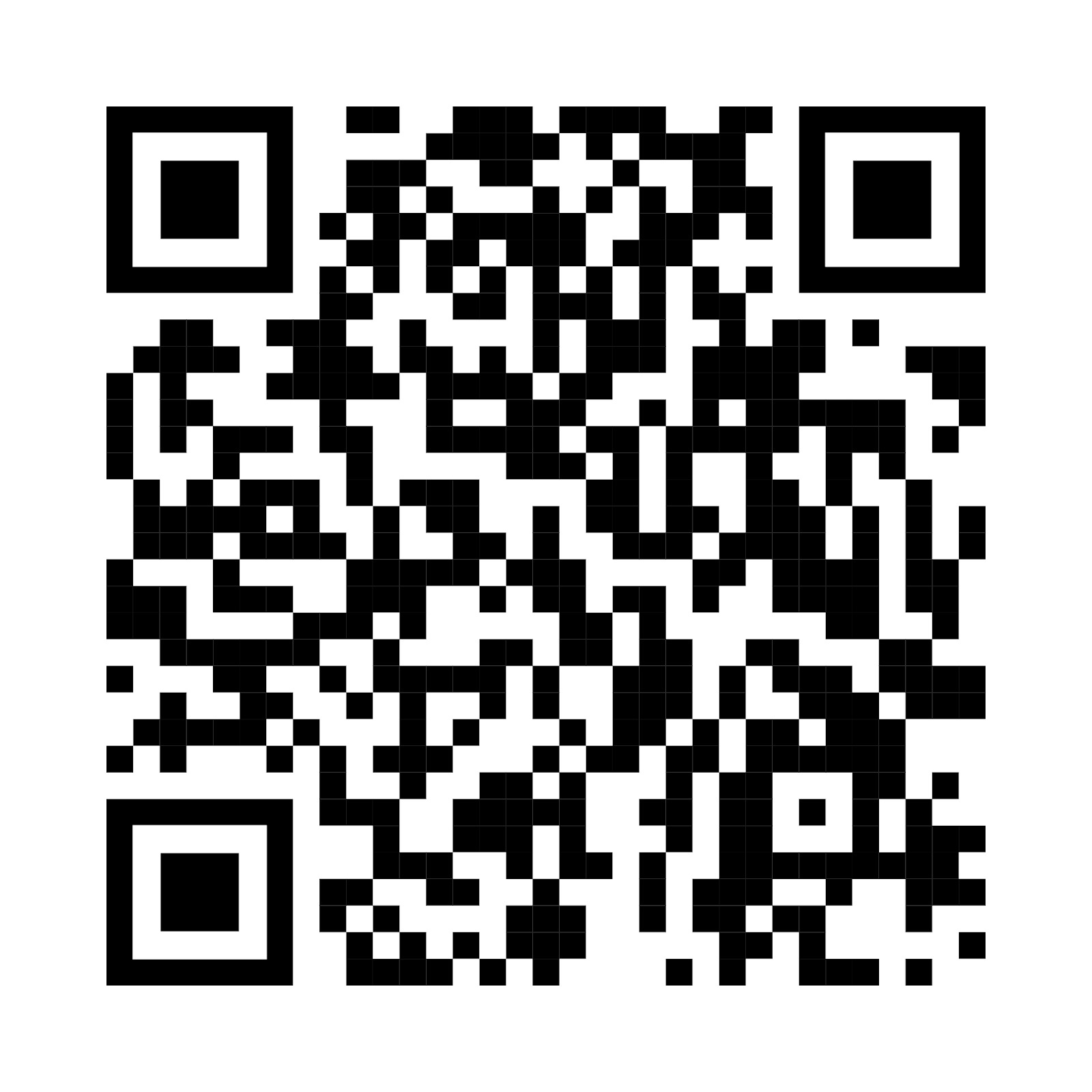
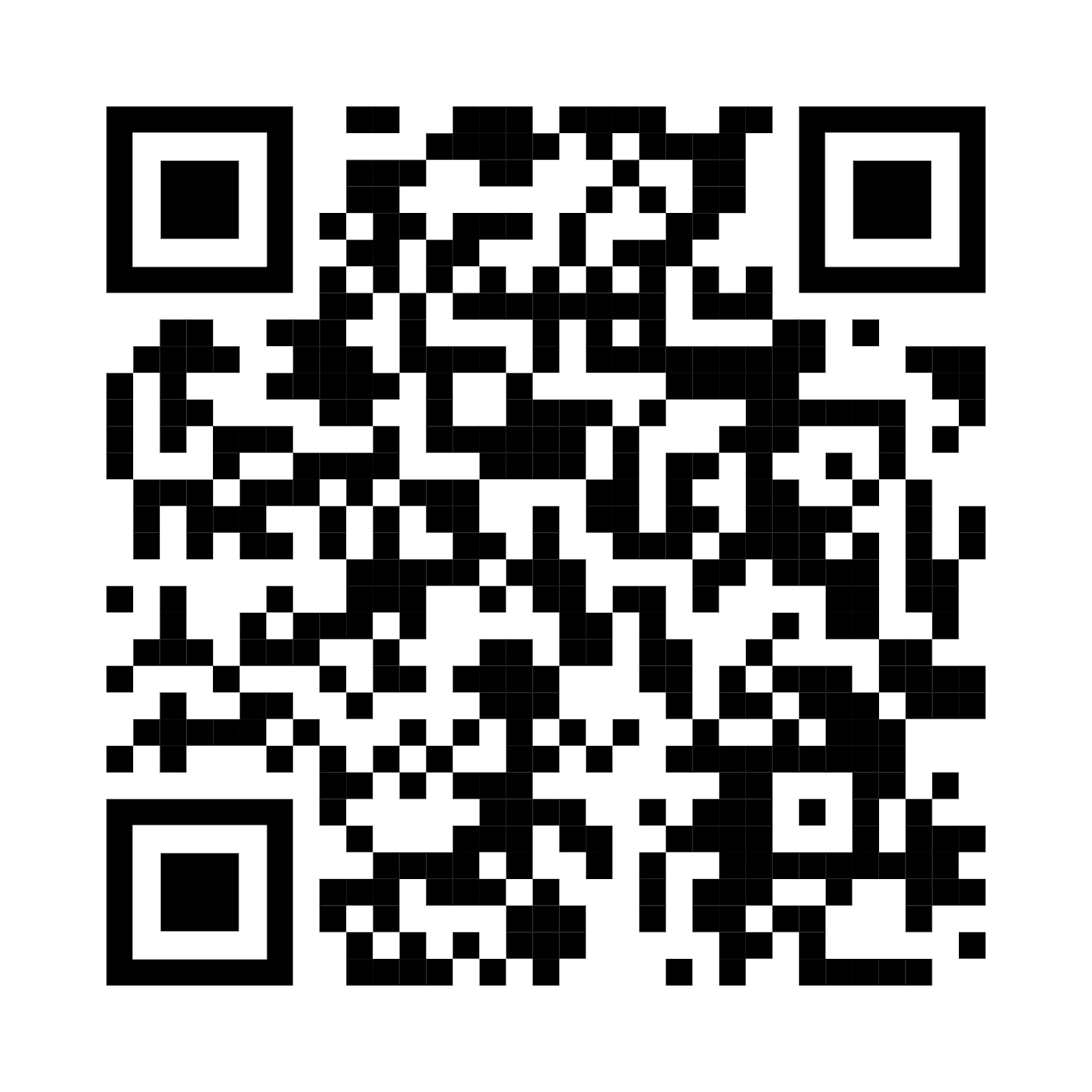
Download the MyWonder Parent App.
1. Scan QR code below


2. Open the MyWonder Parent App (iOS/Android).
3. Follow the on-screen instructions to register and connect the Pod to your home Wi-Fi.
4. Once this is done, content updates, conversations and cloud features will be available.
Was this article helpful?
That’s Great!
Thank you for your feedback
Sorry! We couldn't be helpful
Thank you for your feedback
Feedback sent
We appreciate your effort and will try to fix the article