Getting Started with MyWonder
To ensure a smooth and magical first experience, we recommend the following:
Fully charge your MyWonder Pod before first use.
Connect the Pod to a strong and stable Wi-Fi network using the MyWonder Parent App.
(A good Wi-Fi connection ensures faster responses and richer interactions.)
Adjust the volume to a comfortable level for your child.
Sit with your child and explore the first Learning Companions and Listening Cards together.
✨ Children learn best when a parent joins them during the first few interactions.
Step 1: Watch the Setup Video
Start by watching our quick setup video for simple, step-by-step instructions on setting up your MyWonder Pod.
Step 2: Download the MyWonder Parent App
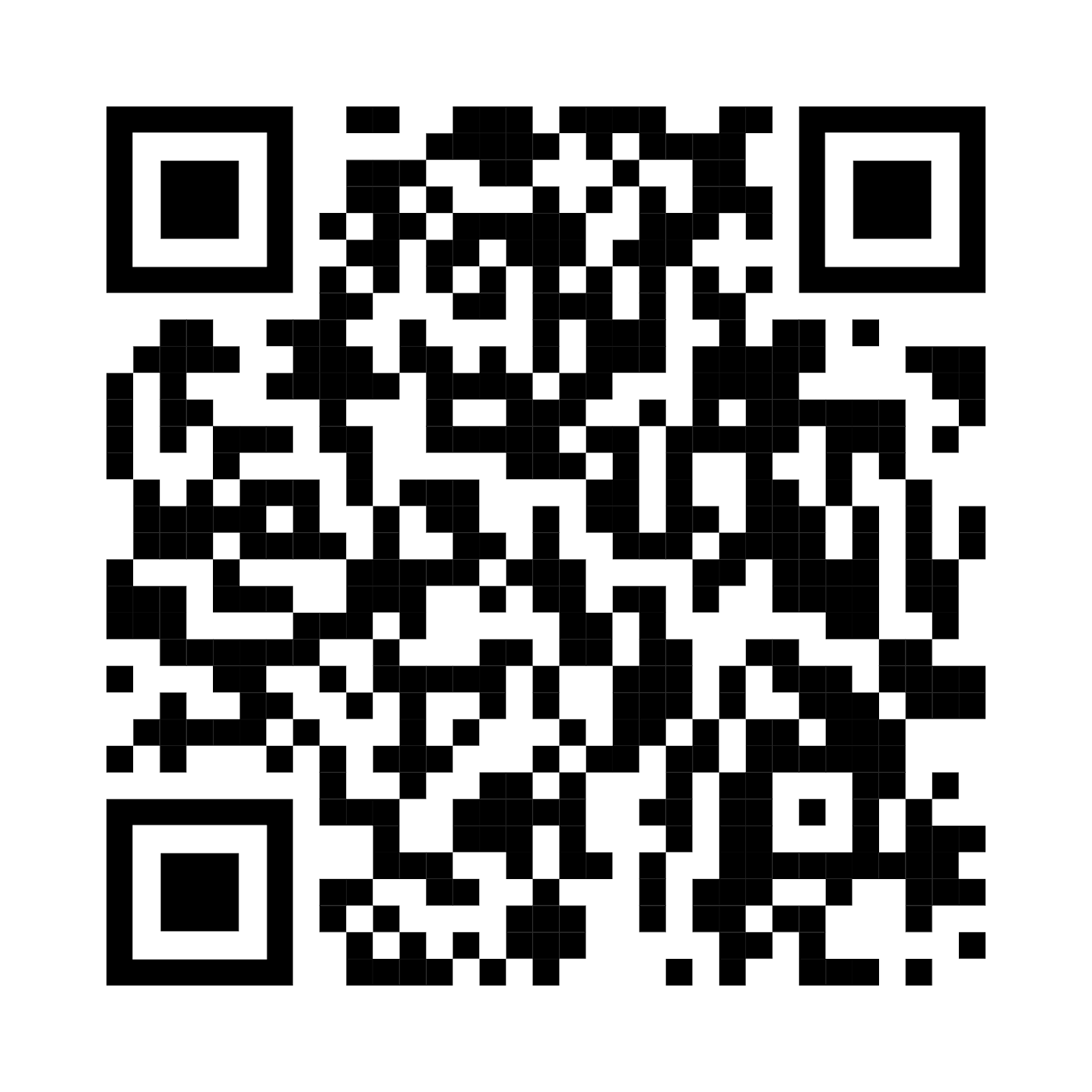
Scan the QR code below to download the app.
Open the MyWonder Parent App (available on iOS and Android).
Follow the on-screen instructions to register and connect the Pod to your home Wi-Fi.
Once connected, content updates, conversations, and all cloud features will be available.



Was this article helpful?
That’s Great!
Thank you for your feedback
Sorry! We couldn't be helpful
Thank you for your feedback
Feedback sent
We appreciate your effort and will try to fix the article