
Quick start
Set up your MyWonder Pod for a smooth and magical first experience.
Before you begin
For the best first experience, we recommend you:
- Fully charge your MyWonder Pod before first use. See Charge your Pod.
- Connect the Pod to a strong, stable Wi-Fi network using the MyWonder Parent App. A good connection means faster responses and richer interactions.
- Set the volume to a comfortable level for your child.
- Sit with your child and explore the first Learning Companions and Listening Cards together.
Children learn best when a parent joins them during the first few interactions.
Set up your Pod
Download the MyWonder Parent App
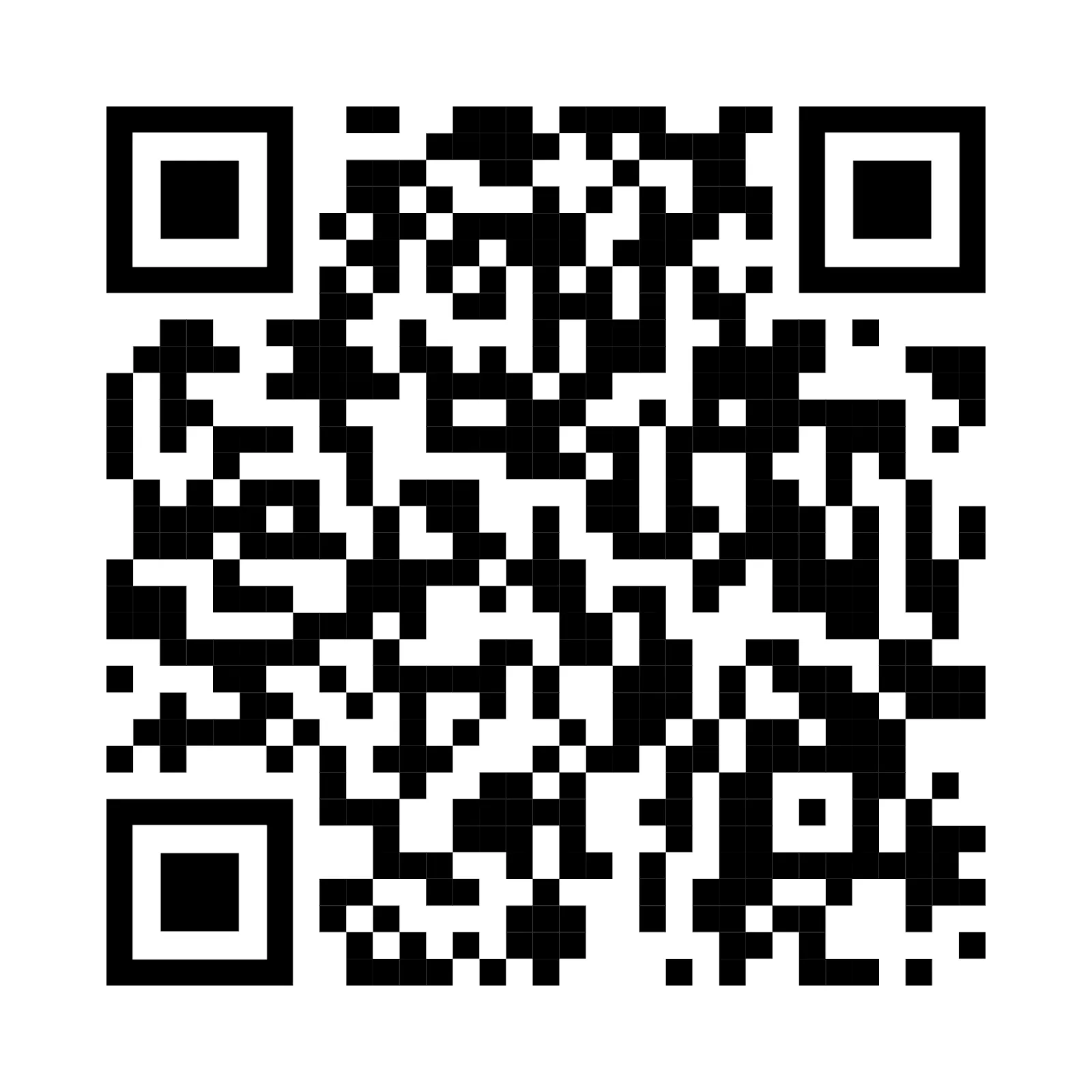
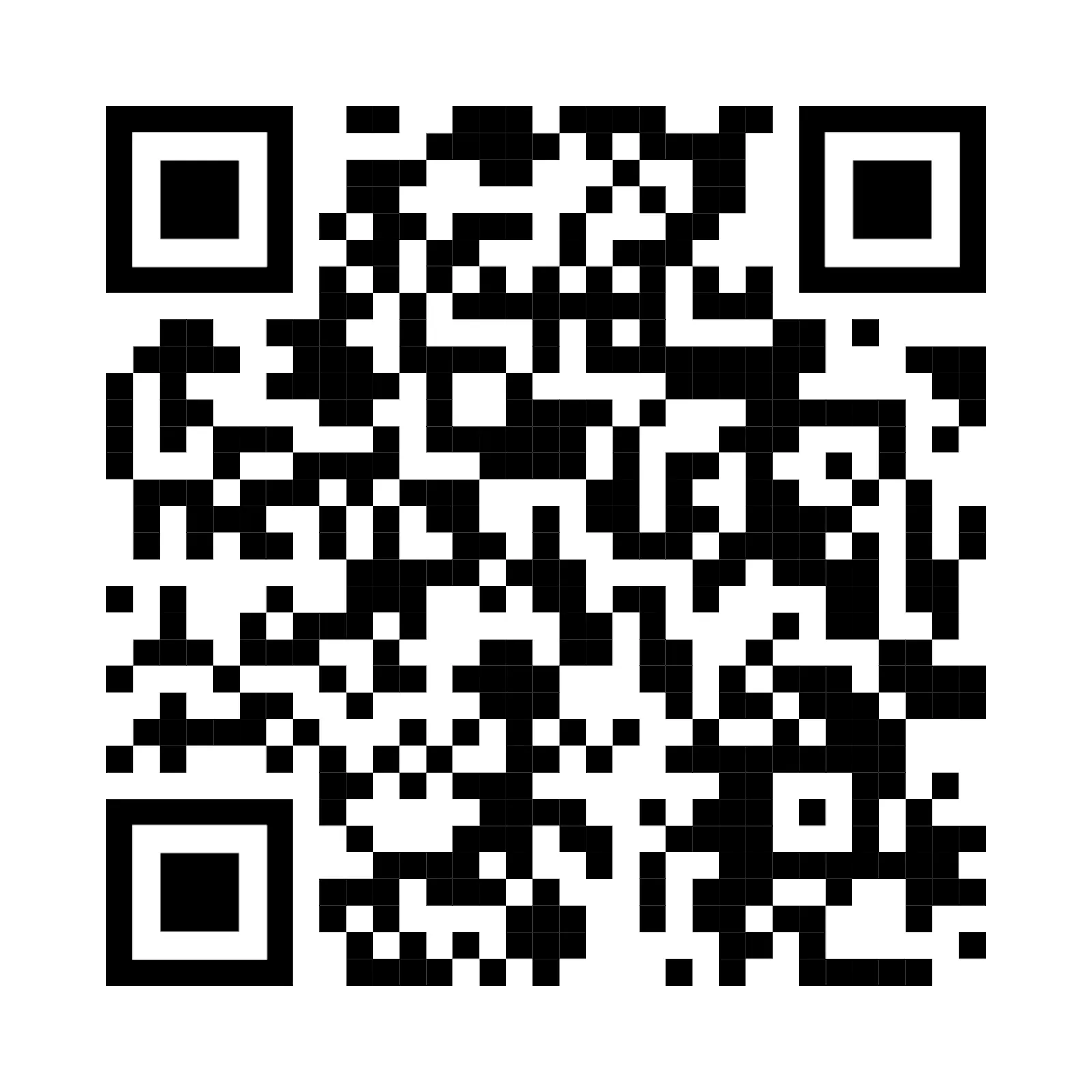
Scan the QR code for your phone to download the app. It is available on iOS and Android.
iPhone and iPad

Android

Register and connect to Wi-Fi
Open the MyWonder Parent App and follow the on-screen instructions to register and connect the Pod to your home Wi-Fi. For details, see Connect with the Parent App.